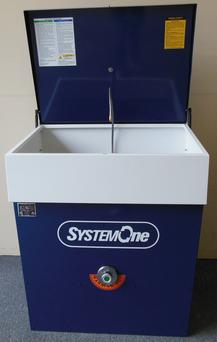
SystemOne Technical Support
FREE support from the experts offered Monday - Friday, 8am to 5pm, PST.
Northwest Equipment Specialists provides reliable, expert technical support for SystemOne® parts washers. With years of hands-on experience, our team can often diagnose and resolve issues over the phone and quickly supply the correct parts to minimize downtime.
When on-site service is needed, our technicians arrive fully prepared with the parts, supplies, and expertise required to complete repairs during the visit and get your equipment back in operation as efficiently as possible.
How to Reset the Computer on a Standard SystemOne Parts Washer
The following reset procedure applies to standard SystemOne® parts washers only. Do not use these instructions for S Series models.
Note: This procedure is easiest and safest to complete with two people.
- Unplug the parts washer from the wall outlet.
- Press and hold the On/Off switch and the Recycle switch at the same time.
- Continue holding both switches while plugging the machine back into the wall outlet.
- Wait 10 seconds.
- Release both switches at the same time.
The computer should now be reset. If the machine does not operate correctly after completing these steps, do not repeatedly attempt the procedure. Contact us(opens in new tab) for free technical support, Monday through Friday, 8:00 a.m. to 5:00 p.m. Pacific Time.
Important: Only perform this procedure if you can safely reach the switches and electrical outlet. Do not plug in or operate the machine with wet hands, near standing liquid, or if the power cord or outlet appears damaged.
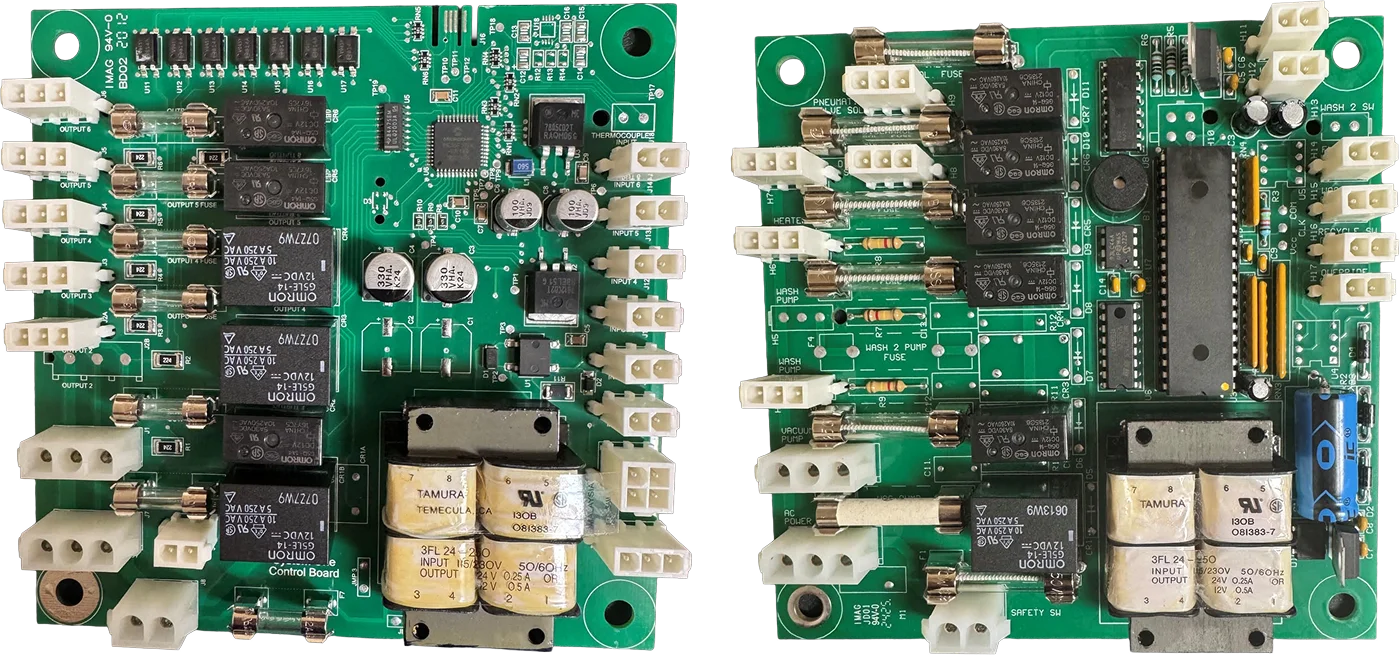
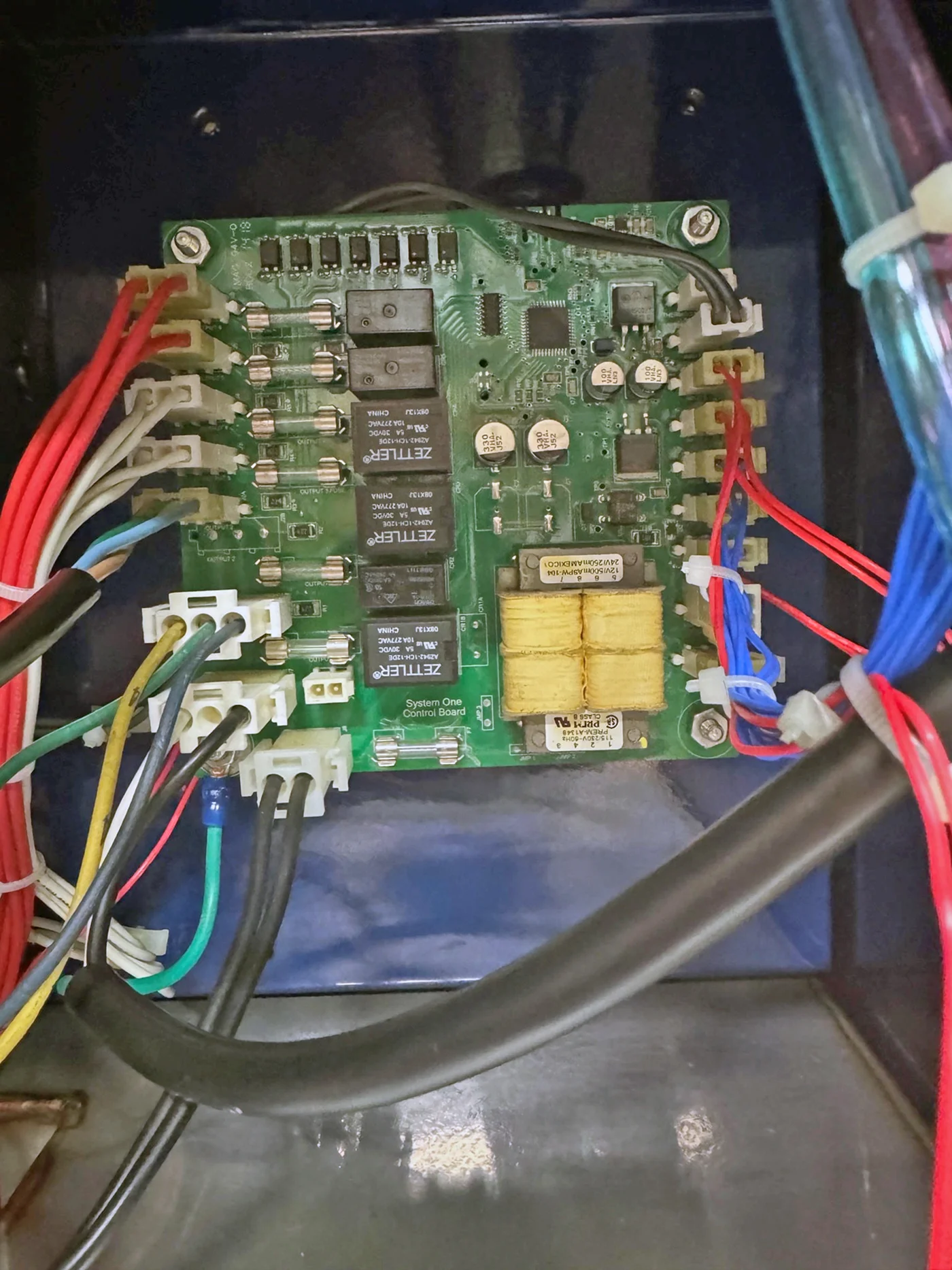
S Model Computer Board
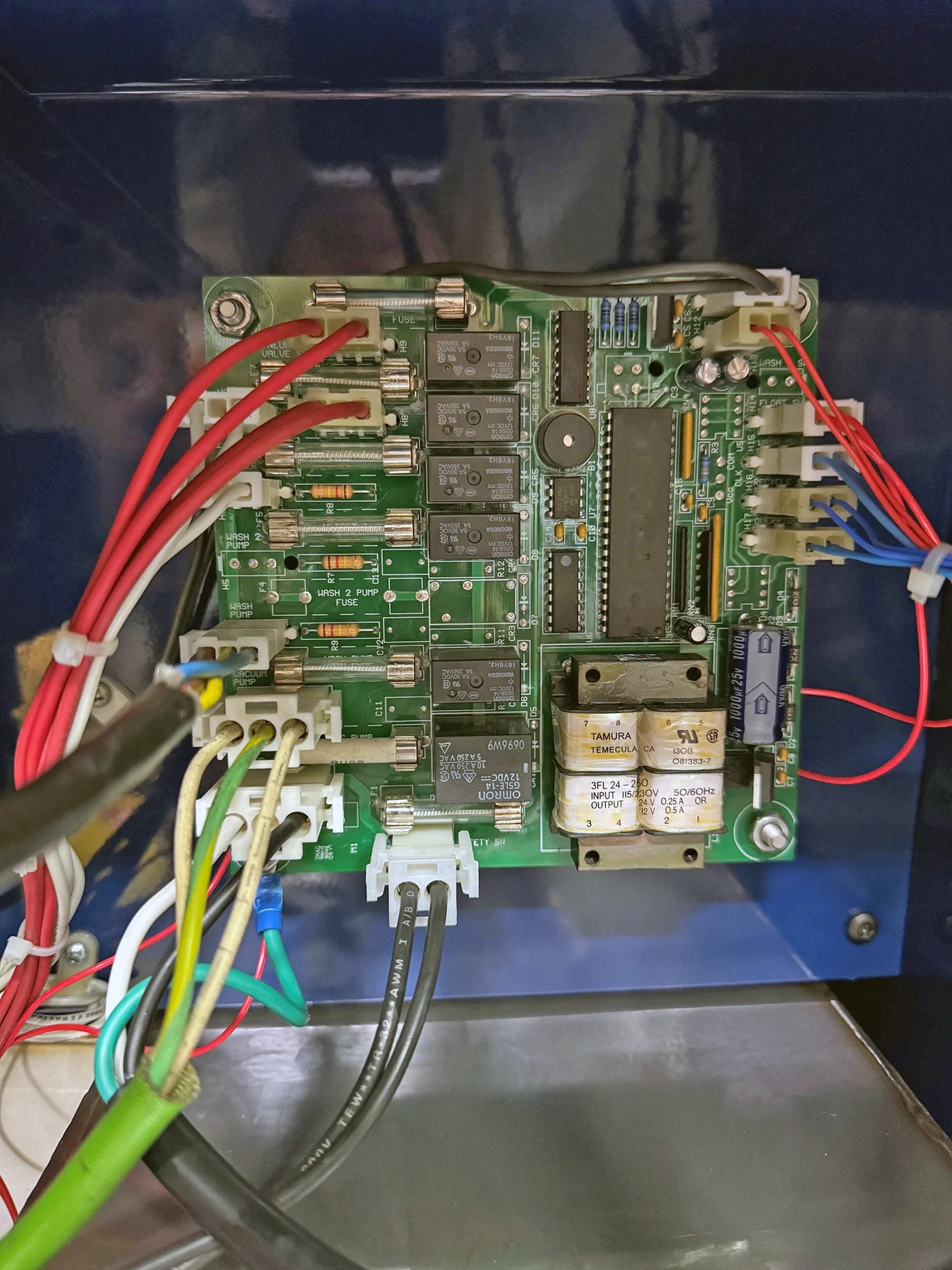
Standard Model Computer Board
Download A SystemOne Parts Washer Manual
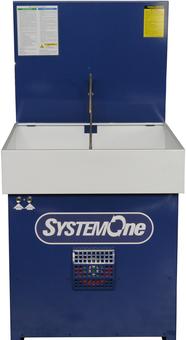
500S Series
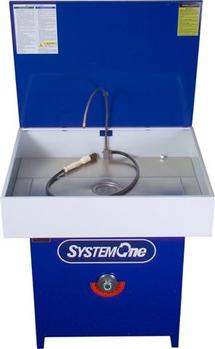
Model 501/571